


Site Search Configuration (Pagefind)
Enable and configure fast, privacy-first search for your HugoBlox site using Pagefind. Setup index generation for GitHub Pages and Netlify.
HugoBlox uses Pagefind, a world-class open-source search library, to provide super fast, privacy-first, and highly relevant search results without relying on third-party services.
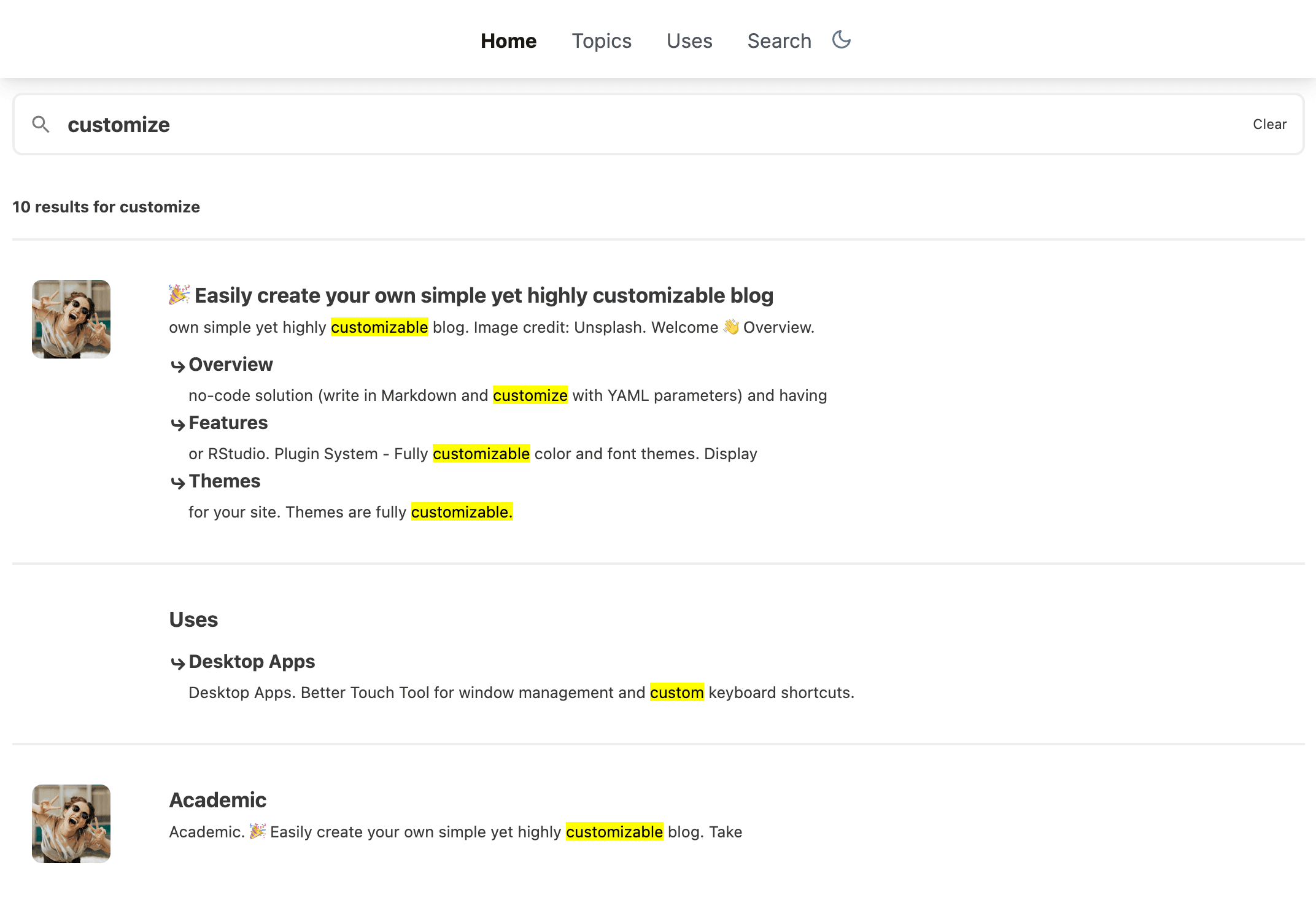
Zero Config
Works out of the box with no complex setup.
Privacy First
No tracking or third-party data collection.
Multilingual
Full support for translated content.
Rich Indexing
Indexes everything, including PDFs.
Enable Search
Visual Editor Available
Use Ownable CMS to enable search with one click!
Ensure search is enabled in config/_default/params.yaml:
hugoblox:
  header:
    search: true

  search:
    enable: true
    suggestions: []      # Optional: trending searches
    quick_actions: []    # Optional: quick links in modal
Users can open search with / key and close with ESC.
Search Index Generation
Pagefind generates a static search index after your site builds. This index is stored in the static folder and loaded by the browser to perform searches entirely client-side.
Pre-configured in Templates
Using a HugoBlox starter template? You're good to go!
The build configurations for Netlify and GitHub Pages are already included in your template. You don't need to set up anything unless you are building from scratch.
Configuration Reference
If you need to verify your setup or are configuring a custom deployment, here are the required settings:
Check your netlify.toml includes the Pagefind command:
[build]
  command = "hugo --gc --minify -b $URL && npx pagefind --source 'public'"
publish = "public"Check your .github/workflows/deploy.yml includes the indexing step before upload:
- name: Generate Pagefind search index
run: npx pagefind --source "public"Testing Locally
To test search on your computer, you must generate the index manually before starting the server (Hugo doesn't do this automatically in dev mode):
# 1. Build site & generate index
hugo
npx pagefind --site "public" --output-subdir ../static/pagefind

# 2. Start server
hugo server -D
You only need to regenerate the index locally if you want to test the search functionality itself. You don't need to run this for normal content editing.
Was this page helpful?
Analytics & Traffic Tracking
Track website traffic and visitor stats. Configure privacy-friendly tools like Pirsch and Fathom, or use Google Analytics and Tag Manager.
Comments & Engagement
Enable comments on your posts and pages. Configure providers like Giscus (GitHub Discussions) or Disqus to engage with readers.
From the makers of
© 2026 Lore Labs.